Video Tutorials
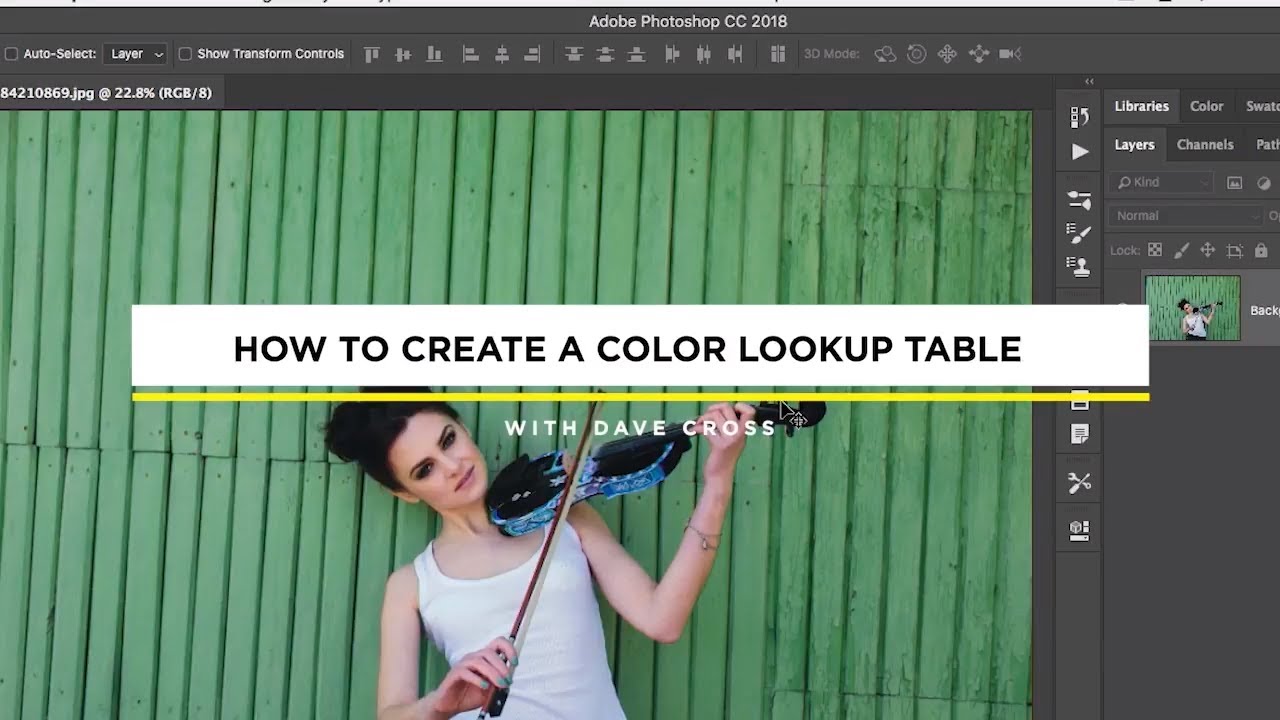
Turn Any Multi-Layer Photoshop Look Into a One-Click Preset Using Color Lookup Tables
Client work has a way of forcing efficiency. When you’re juggling color-grading across a product catalog for an ad agency, rebuilding three-adjustment-layer looks from scratch for each new shoot stops being an inconvenience and starts costing real money. For years, the standard answer to “can I save this whole look as one preset?” was a frustrating no. You could save individual adjustment layer presets, sure, but the moment your look depended on a curves layer, a hue/saturation layer with a blend mode change, and an opacity tweak stacked together, you were on your own.