Photoshop 2026's Game-Changing Adjustment Layers: A Complete Breakdown

Photoshop 2026's Game-Changing Adjustment Layers: A Complete Breakdown

When Photoshop 2026 dropped, I immediately noticed something that made me genuinely excited: three adjustment layers that had been living in Lightroom finally made their way into Photoshop as native adjustment layers. This isn’t just a convenience update—it’s a legitimate workflow game-changer for anyone who edits photos seriously. In this excellent tutorial, Aaron Nace (PHLEARN) breaks down exactly how to use Photoshop’s newest adjustment layers: Color & Vibrance, Clarity & Dehaze, and Grain.

Mastering Export Workflows: How to Save Your Photoshop Actions Properly

Mastering Export Workflows: How to Save Your Photoshop Actions Properly

I’ve watched too many creators struggle with broken action files. Someone exports an action, shares it, and suddenly it won’t load on another machine. The preset icons disappear. The color values get corrupted. These problems aren’t random—they come from exporting the wrong way. After years of building and distributing actions, I’ve learned exactly what works and what doesn’t. Let me walk you through it. Why Export Matters More Than You Think Here’s the thing: exporting an action isn’t just about sharing.

How to Actually Evaluate Photoshop Plugins Before You Buy

How to Actually Evaluate Photoshop Plugins Before You Buy

How to Actually Evaluate Photoshop Plugins Before You Buy I’ve made some expensive mistakes with Photoshop plugins. I’ve bought tools with beautiful landing pages that cluttered my workspace and slowed my render times. I’ve downloaded free actions that crashed my projects. So I developed a testing system, and I’m going to walk you through it—because you deserve better than impulse purchases and regret. Start with Your Actual Workflow Before looking at any plugin, write down what takes you the longest in Photoshop.

How Serge Ramelli Shot an Action Short on Canon 7D & 5D Mark II: Lessons for Your Workflow

How Serge Ramelli Shot an Action Short on Canon 7D & 5D Mark II: Lessons for Your Workflow

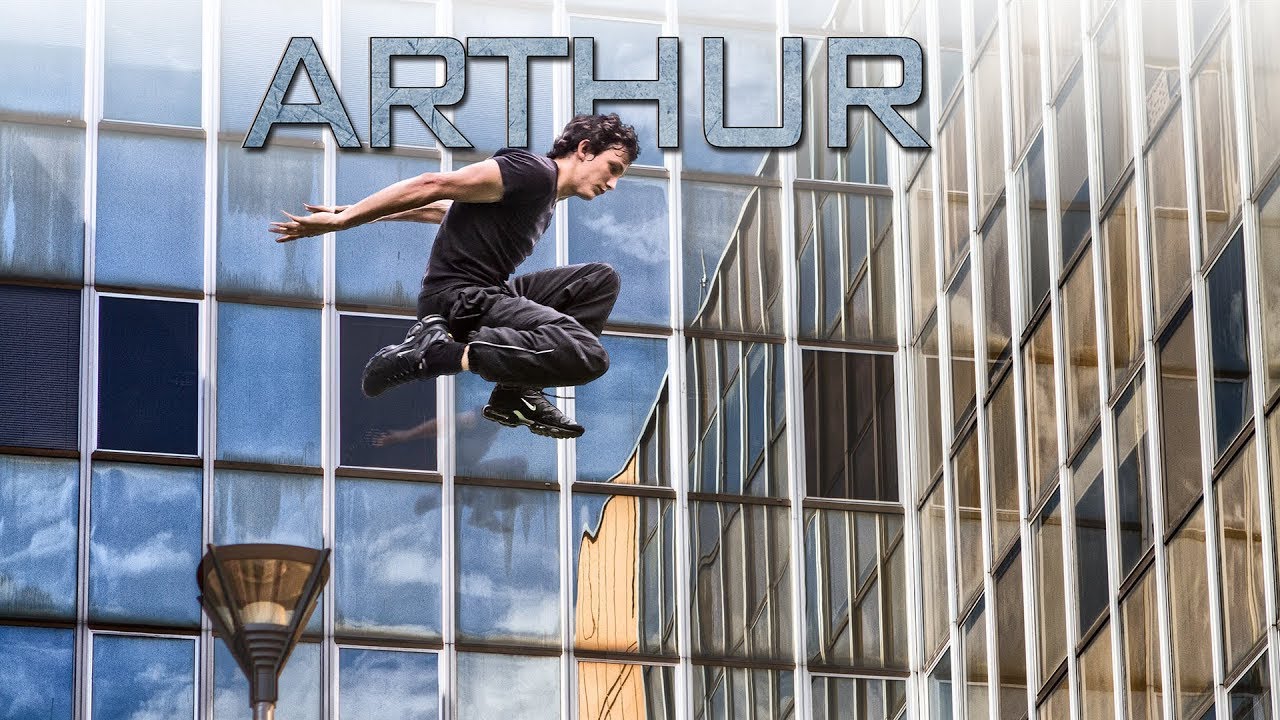
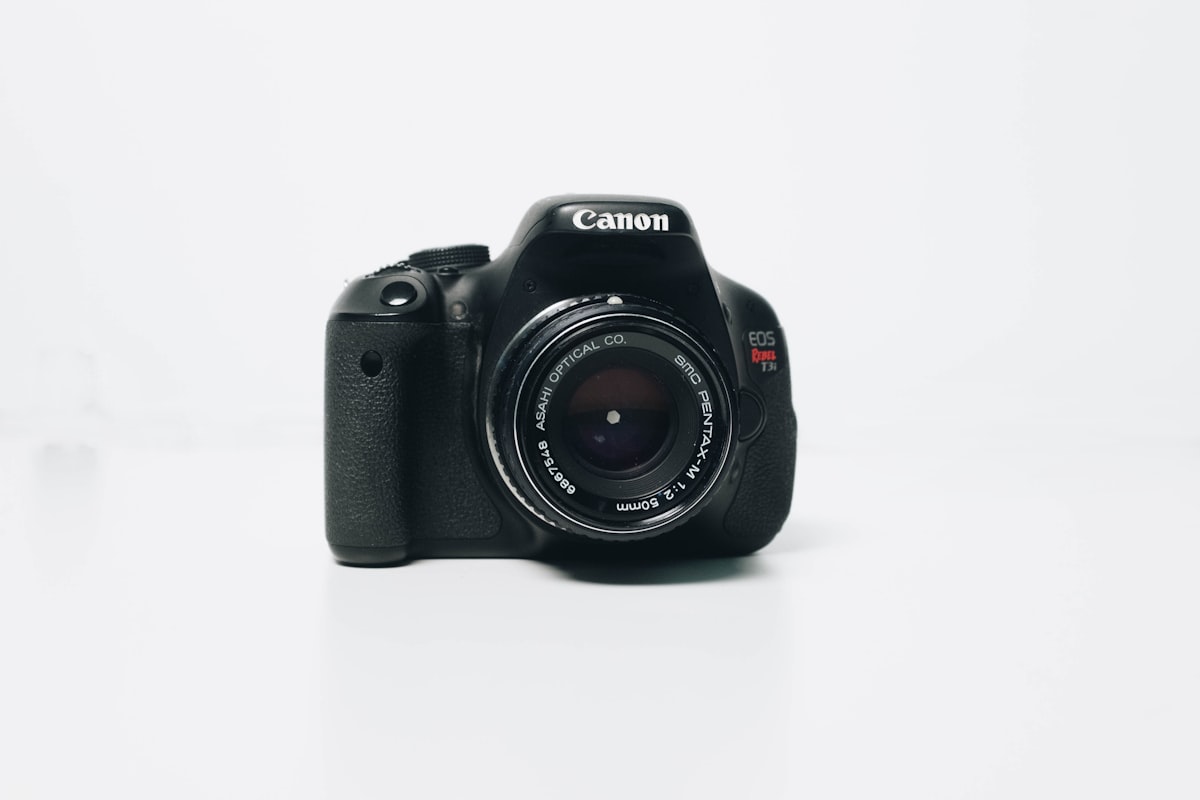
I’ve been following Serge Ramelli’s work for years, and when I discovered he’d shot an entire action short film on the Canon 7D and 5D Mark II, I had to dive deeper. In this excellent tutorial, Serge Ramelli shows us not just what he shot, but the practical decisions that went into creating “Arthur” — a compelling parkour short that demonstrates how technical constraints can actually sharpen your creative vision.

How I Evaluate Photoshop Plugins: What Actually Matters in a Review

How I Evaluate Photoshop Plugins: What Actually Matters in a Review

How I Evaluate Photoshop Plugins: What Actually Matters in a Review I’ve installed hundreds of Photoshop plugins and actions over the years. Some transform my entire workflow. Others gather dust in a forgotten folder. The difference isn’t always obvious from marketing copy alone, so I’ve developed a system for testing tools that actually reveals whether something’s worth your time and money. Beyond the Feature List When a plugin lands in my inbox, I resist the urge to scan the feature list first.

How Be Ryder Masters Workflow Under Pressure: Lessons from Elite Surf Photography

How Be Ryder Masters Workflow Under Pressure: Lessons from Elite Surf Photography

When Your Studio Is the Ocean I’ve been following Be Ryder’s work for a while now, and what strikes me most isn’t just the technical execution—it’s the consistency she achieves in one of photography’s most chaotic environments. Shooting in churning water with thousands of dollars in gear strapped to your body demands more than raw talent. It requires bulletproof workflows that survive saltwater, pressure, and split-second decision-making. Beatriz has transformed herself from someone uncomfortable in the ocean into a World Sports Photography Awards silver medalist.

Droplets in Photoshop: Automating Your Entire Workflow

Droplets in Photoshop: Automating Your Entire Workflow

Droplets in Photoshop: Automating Your Entire Workflow I’ve always believed that the best creative work happens when you’re not wrestling with software mechanics. That’s exactly why I’m passionate about Photoshop droplets—they’re one of the most underutilized features for eliminating tedious, repetitive tasks. If you’re not familiar with droplets yet, here’s the core concept: a droplet is a standalone application that automatically runs a Photoshop action on any image you drag onto it.

Creating Custom Brushes for Photoshop: The Foundation of Efficient Workflows

Creating Custom Brushes for Photoshop: The Foundation of Efficient Workflows

Creating Custom Brushes for Photoshop: The Foundation of Efficient Workflows I’ve spent the last decade building Photoshop workflows, and I can tell you with absolute certainty: the fastest designers aren’t using Adobe’s default brushes. They’re building custom brush sets that anticipate exactly what they need, when they need it. Custom brushes are more than aesthetic preferences—they’re the scaffolding of repeatable, automated work. When you combine them with actions and presets, they become incredibly powerful.

Color Lookup Tables in Photoshop: The Underrated Speed Tool

Color Lookup Tables in Photoshop: The Underrated Speed Tool

Color Lookup Tables in Photoshop: The Underrated Speed Tool I’m genuinely excited to talk about color lookup tables (CLUTs) because they’re one of the most powerful—and honestly, most overlooked—tools in professional Photoshop workflows. If you’re still manually adjusting curves and color balance on every image, you’re burning time you don’t have. Let me be straight with you: CLUTs are not magic. They won’t fix a badly exposed photo. But they will cut your editing time in half if you know how to use them properly.

Best Free Photoshop Plugins 2026: Proven Tools to Supercharge Your Workflow

Best Free Photoshop Plugins 2026: Proven Tools to Supercharge Your Workflow

Best Free Photoshop Plugins 2026: Proven Tools to Supercharge Your Workflow I’ve been testing Photoshop plugins professionally for over a decade, and I can tell you with absolute certainty: the gap between paid and free plugins has narrowed significantly. Some of the best free Photoshop plugins 2026 offers rival premium solutions that cost hundreds of dollars. But here’s the catch—not all free plugins are created equal. Many are abandoned projects or poorly maintained tools that’ll slow your system to a crawl.

Automating Your Photoshop Workflow: Scripts vs Actions vs Droplets

Automating Your Photoshop Workflow: Scripts vs Actions vs Droplets

I’ve spent the last five years testing every automation method Photoshop offers, and I’m genuinely excited to share what actually works versus what sounds good in theory. Why Automation Matters (And Why Most People Skip It) Here’s the honest truth: setting up automation takes time upfront. You’ll spend an hour creating a script that saves you five minutes per day. The math only works if you’re processing images regularly. But if you are?