Video Tutorials
Master Non-Destructive Texture Layering in Photoshop: A Complete Breakdown
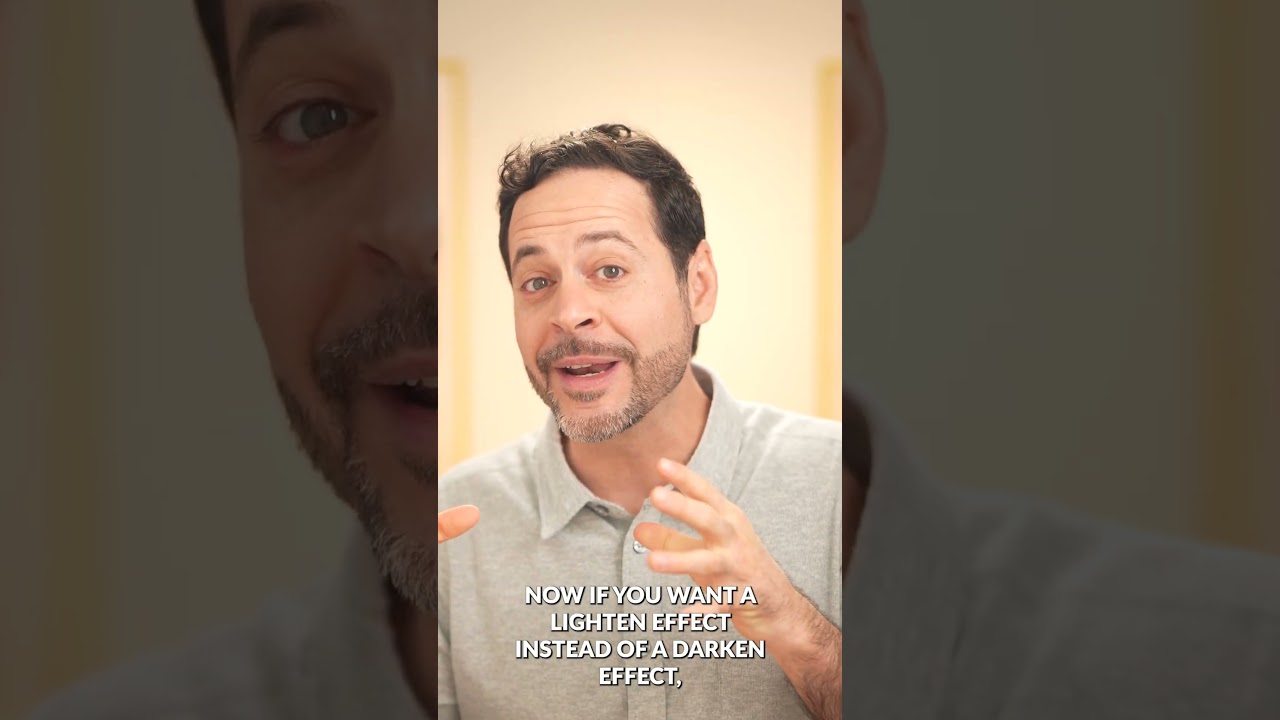
Why Textures Matter in Modern Photography I’ve spent years watching photographers struggle with the “digital look” problem. You know the one—images that feel too clean, too sterile, lacking that tactile quality that draws viewers in. In this excellent tutorial, Aaron Nace (PHLEARN) demonstrates a game-changing approach to texture application that transformed how I approach post-processing. The beauty of textures isn’t just aesthetic. They add visual interest, create depth, and give your work that professional, editorial quality that clients notice.