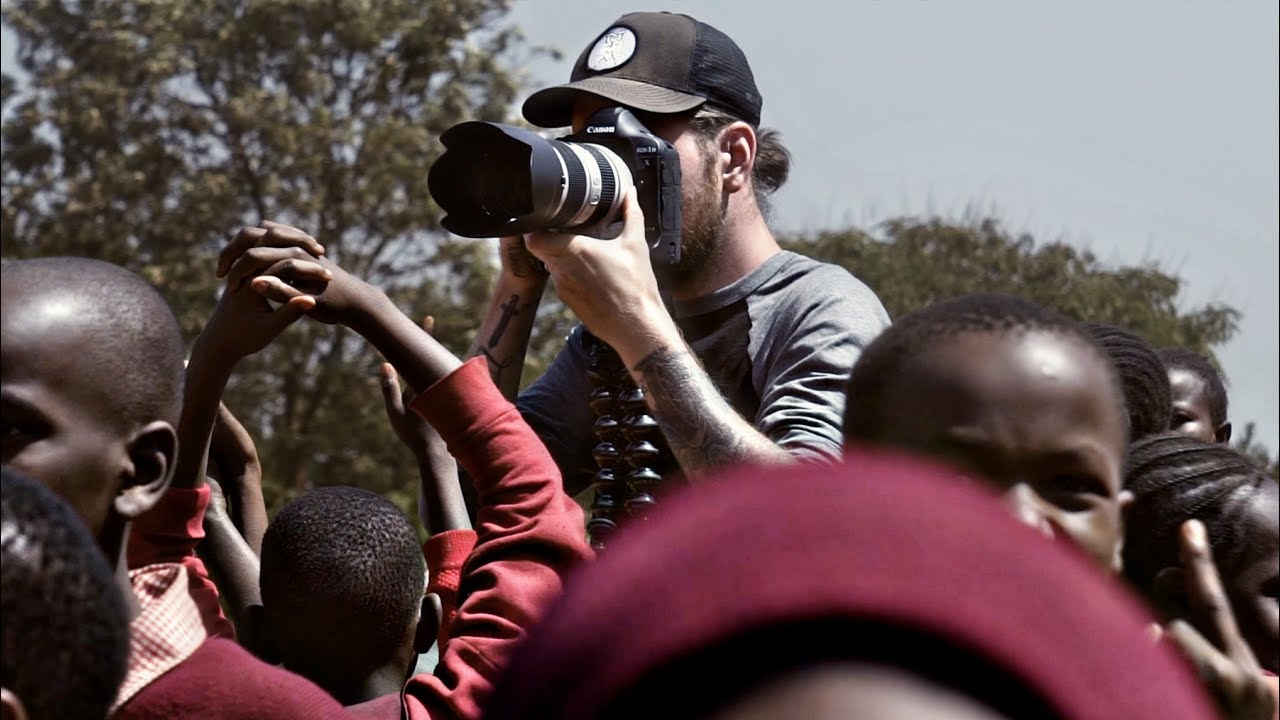
There’s a category of video that looks like a vlog but functions like a masterclass. Peter McKinnon’s update video, Watch the full tutorial on YouTube, falls squarely into that category. On the surface it’s a catch-up: drone giveaway results, fan mail, life updates after a two-week trip to Kenya with World Vision. Underneath, it’s a working demonstration of how a high-output creative keeps multiple project threads alive simultaneously without letting any of them collapse.
I’ve spent fifteen years in commercial photography, and the thing that kills most photographers’ businesses isn’t bad technique. It’s the re-entry problem. You disappear for a job, a trip, a family situation, and when you come back the workflow is cold, the audience has drifted, and it takes two weeks to feel like yourself again. Watching McKinnon come back from Kenya, jet-lagged and wired on too many espressos, and still execute a coherent, well-structured video with genuine energy taught me more about workflow resilience than most dedicated productivity content does.
Here’s what’s actually happening in this video, broken down as a repeatable system you can adapt.
Step 1: Anchor Your Re-Entry With a Familiar Structure
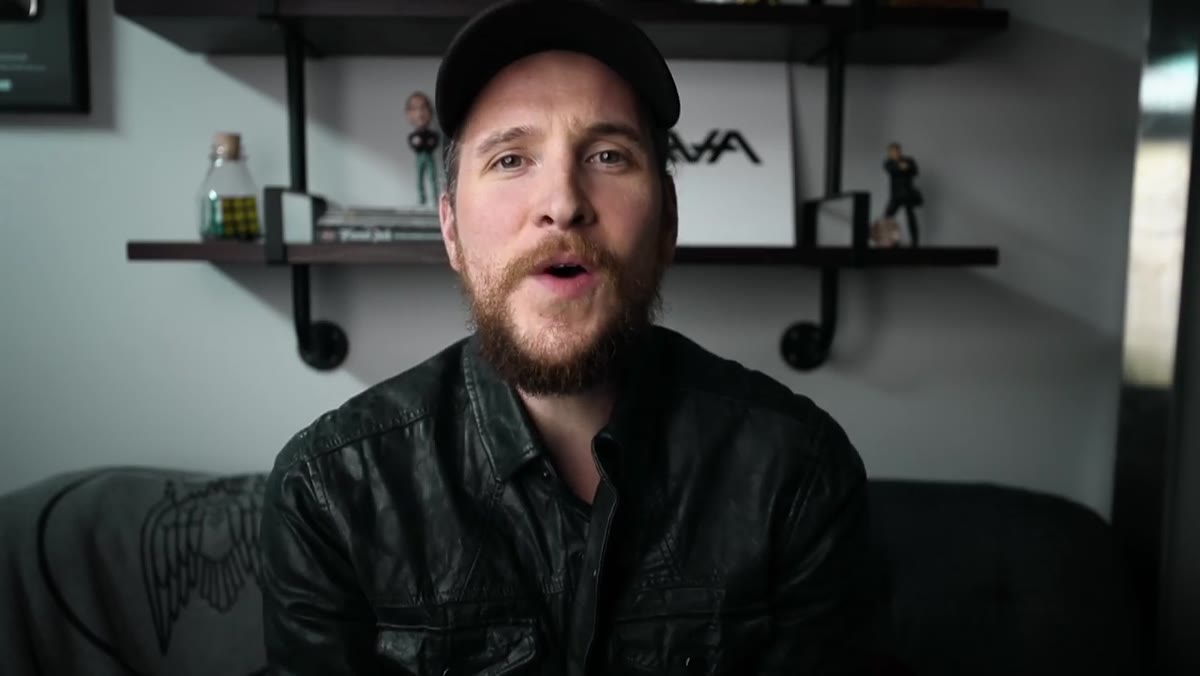 Peter McKinnon greeting camera after return from Kenya
Before McKinnon mentions Kenya, before he gets into giveaways or mail, he opens exactly the way his audience expects. Same energy, same intro, same direct camera address. That’s not accident or habit. It’s deliberate anchoring. When you’ve been away, the fastest way to signal “I’m back and operating at full capacity” is to lead with something familiar rather than leading with an explanation of your absence.
Peter McKinnon greeting camera after return from Kenya
Before McKinnon mentions Kenya, before he gets into giveaways or mail, he opens exactly the way his audience expects. Same energy, same intro, same direct camera address. That’s not accident or habit. It’s deliberate anchoring. When you’ve been away, the fastest way to signal “I’m back and operating at full capacity” is to lead with something familiar rather than leading with an explanation of your absence.
For photographers and editors running client-facing workflows, this translates directly. After any extended gap, don’t open your re-engagement email or your next deliverable with an apology or explanation. Open with value, on schedule, in the format your clients recognize. Save the context for a brief parenthetical, the way McKinnon folds in the Kenya explanation naturally mid-video rather than making it the centerpiece.
Step 2: Separate Long-Term Projects From Immediate Deliverables
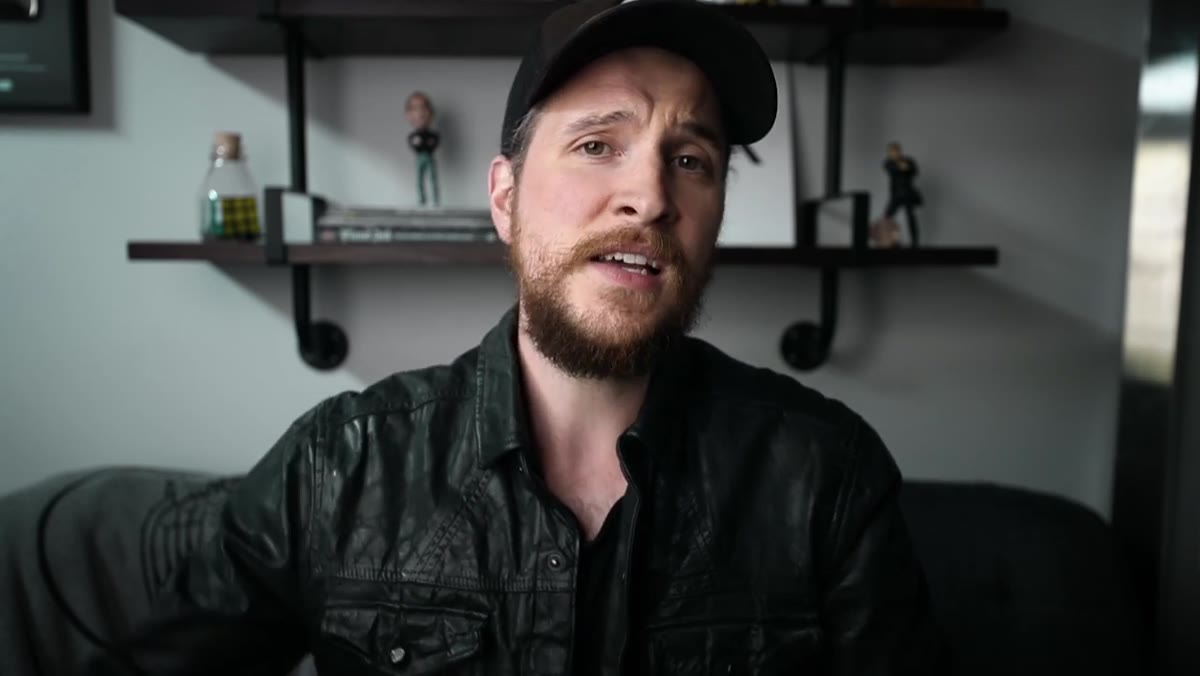 McKinnon describing Kenya project and future premiere timeline
McKinnon is clear that the Kenya footage is not ready. He’s working on a large piece that will premiere months later, and he explicitly tells his audience this rather than rushing something out. At the same time, he’s delivering a complete, polished video right now. Two tracks, running in parallel, with completely different timelines.
McKinnon describing Kenya project and future premiere timeline
McKinnon is clear that the Kenya footage is not ready. He’s working on a large piece that will premiere months later, and he explicitly tells his audience this rather than rushing something out. At the same time, he’s delivering a complete, polished video right now. Two tracks, running in parallel, with completely different timelines.
This is one of the more underrated organizational habits in creative work. I keep my project list split into two columns: what ships this week, and what I’m building toward. The Kenya project belongs in the second column. The update video belongs in the first. Conflating them, trying to make the long-term piece ship on the short-term schedule, is where quality breaks down. McKinnon doesn’t do that, and he’s transparent with his audience about the difference.
Step 3: Use Sponsorship Slots as Workflow Checkpoints
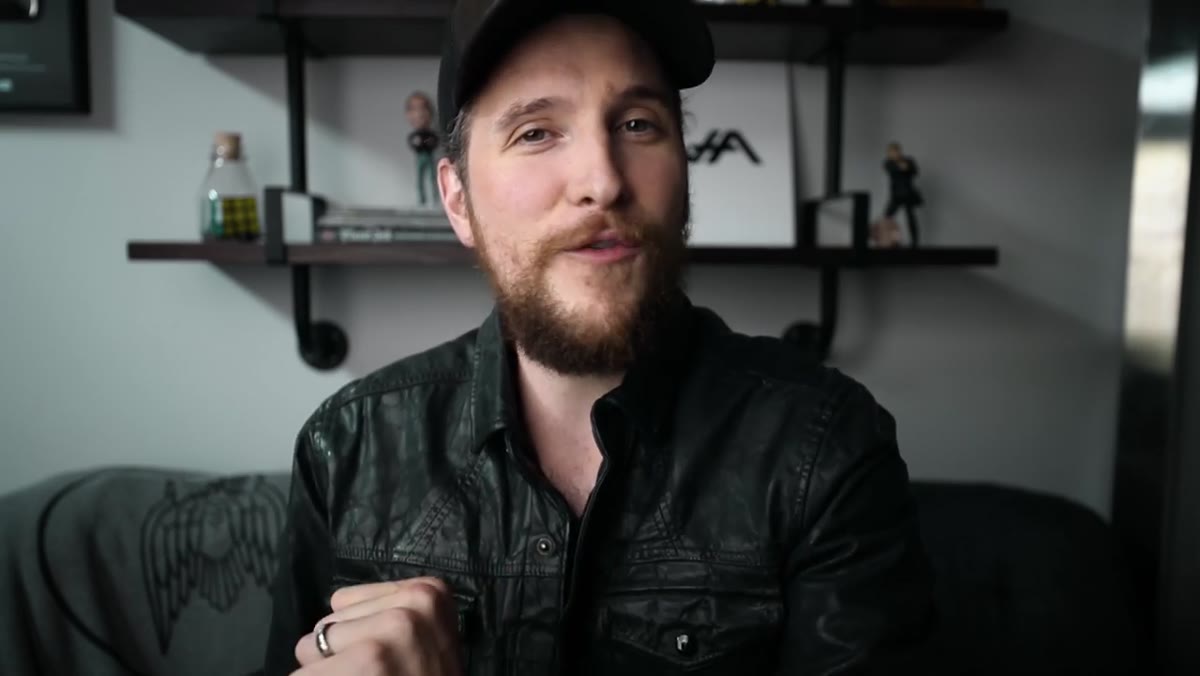 Squarespace sponsorship segment with McKinnon addressing camera directly
The Squarespace segment isn’t just a revenue moment. Notice where it sits in the video structure: after the opening energy, before the mail segment. It acts as a structural breath, a pacing tool that gives McKinnon a moment to settle and gives the viewer a clear chapter break.
Squarespace sponsorship segment with McKinnon addressing camera directly
The Squarespace segment isn’t just a revenue moment. Notice where it sits in the video structure: after the opening energy, before the mail segment. It acts as a structural breath, a pacing tool that gives McKinnon a moment to settle and gives the viewer a clear chapter break.
For anyone producing tutorial content, sponsored segments are often treated as interruptions to be minimized. The smarter approach is to treat them as structural anchors. They force you to articulate something clearly and concisely, which is good practice, and they give your edit a natural sequence of acts. If you’re building Photoshop tutorial content with mid-roll sponsorship, place the sponsor where it creates a useful pause rather than where it creates friction.
Step 4: Let Audience Interaction Generate Content Momentum
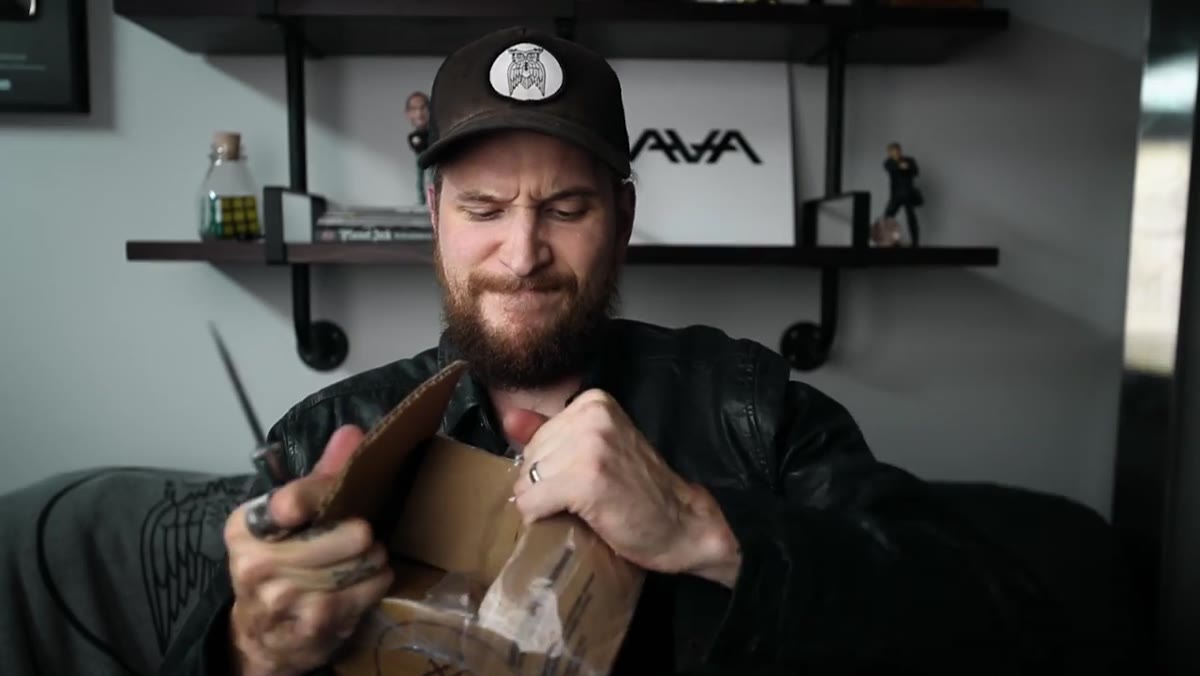 Opening fan mail from Jeremy, film photographer who found weddings
The mail segment is the most instructive part of the video for anyone thinking about community and content simultaneously. McKinnon doesn’t just read letters. He responds to the emotional content in each one, connects it to a broader idea, and moves on. The letter from a film photographer who found his own path to wedding work doesn’t just get acknowledged. It becomes a brief, genuine moment about creative identity.
Opening fan mail from Jeremy, film photographer who found weddings
The mail segment is the most instructive part of the video for anyone thinking about community and content simultaneously. McKinnon doesn’t just read letters. He responds to the emotional content in each one, connects it to a broader idea, and moves on. The letter from a film photographer who found his own path to wedding work doesn’t just get acknowledged. It becomes a brief, genuine moment about creative identity.
If you’re building a workflow-oriented audience, the questions and letters you get from readers are one of the best content signals you have. They tell you what problems people are actually trying to solve, not the problems you assume they have. I started keeping a folder of reader questions when I launched my post-production consultancy, and it became the basis for roughly half the systems documentation I’ve built since. McKinnon’s mail pile is doing the same thing for his content calendar.
Step 5: Document the Process, Not Just the Output
 McKinnon describing filming and teasing upcoming Kenya documentary piece
McKinnon mentions that the Kenya trip might generate tutorials if there’s something cool worth sharing, but the primary output is a documentary piece. He’s filming the work, not just doing the work. This is a discipline that translates directly to anyone building a Photoshop or photography workflow library.
McKinnon describing filming and teasing upcoming Kenya documentary piece
McKinnon mentions that the Kenya trip might generate tutorials if there’s something cool worth sharing, but the primary output is a documentary piece. He’s filming the work, not just doing the work. This is a discipline that translates directly to anyone building a Photoshop or photography workflow library.
The batch-processing system I built for a product photography client a few years back took about a weekend to construct. I almost didn’t document it because I was in execution mode and documentation felt like overhead. I documented it anyway, and that documentation became the training material for two junior retouchers and eventually a blog post that still drives traffic. The Kenya footage McKinnon shot is the asset. The behind-the-scenes material he’s teasing is the documentation. Both have value, on different timelines.
Step 6: Signal Future Value Before You Deliver It
 McKinnon teasing future premiere and upcoming tutorial content from Kenya
McKinnon closes the trip discussion by promising future content without over-promising specifics. He’ll tease things across upcoming videos. He might pull tutorials from the material. Nothing is locked in, but the audience has a reason to keep watching. This is the creative equivalent of leaving a job slightly undone at the end of the day so you know exactly where to start tomorrow.
McKinnon teasing future premiere and upcoming tutorial content from Kenya
McKinnon closes the trip discussion by promising future content without over-promising specifics. He’ll tease things across upcoming videos. He might pull tutorials from the material. Nothing is locked in, but the audience has a reason to keep watching. This is the creative equivalent of leaving a job slightly undone at the end of the day so you know exactly where to start tomorrow.
For anyone managing a content library around Photoshop techniques, this approach is more useful than it looks. You don’t need to drop everything at once. One action tutorial now, a workflow breakdown next week, a preset pack the week after. Signal the sequence. Audiences follow threads, and threads are easier to maintain than individual standalone pieces.
What I’d Add From My Own Experience
McKinnon doesn’t address the re-entry problem explicitly, but everything in the video’s structure is an answer to it. The thing I’d layer on top of his approach is a literal checklist. After any gap of more than a week, I run through a twelve-item list before I open a client project or publish anything: presets backed up, actions tested, output folders confirmed, file naming convention current. It takes twenty minutes and it has saved me from embarrassing errors more times than I want to count.
The instinct when you’re re-entering after a trip or a break is to skip the checklist because you’re already behind. That’s exactly backwards. The checklist is fastest when you’re most tempted to skip it.
The single most transferable thing in this video is McKinnon’s willingness to operate two timelines at once without apologizing for either of them. The Kenya documentary is slow and long and serious. The update video is fast and loose and personal. Both are valid. Both get delivered. The discipline is knowing which mode you’re in at any given moment.
Watch the full tutorial on YouTube and pay attention to the structure underneath the content. It’s doing more work than it looks like.
Comments (3)
Tried this technique this morning. Game changer for real.
Love how you break down complex stuff into manageable steps.
Would love to see a follow-up going deeper into this topic.
Leave a Comment