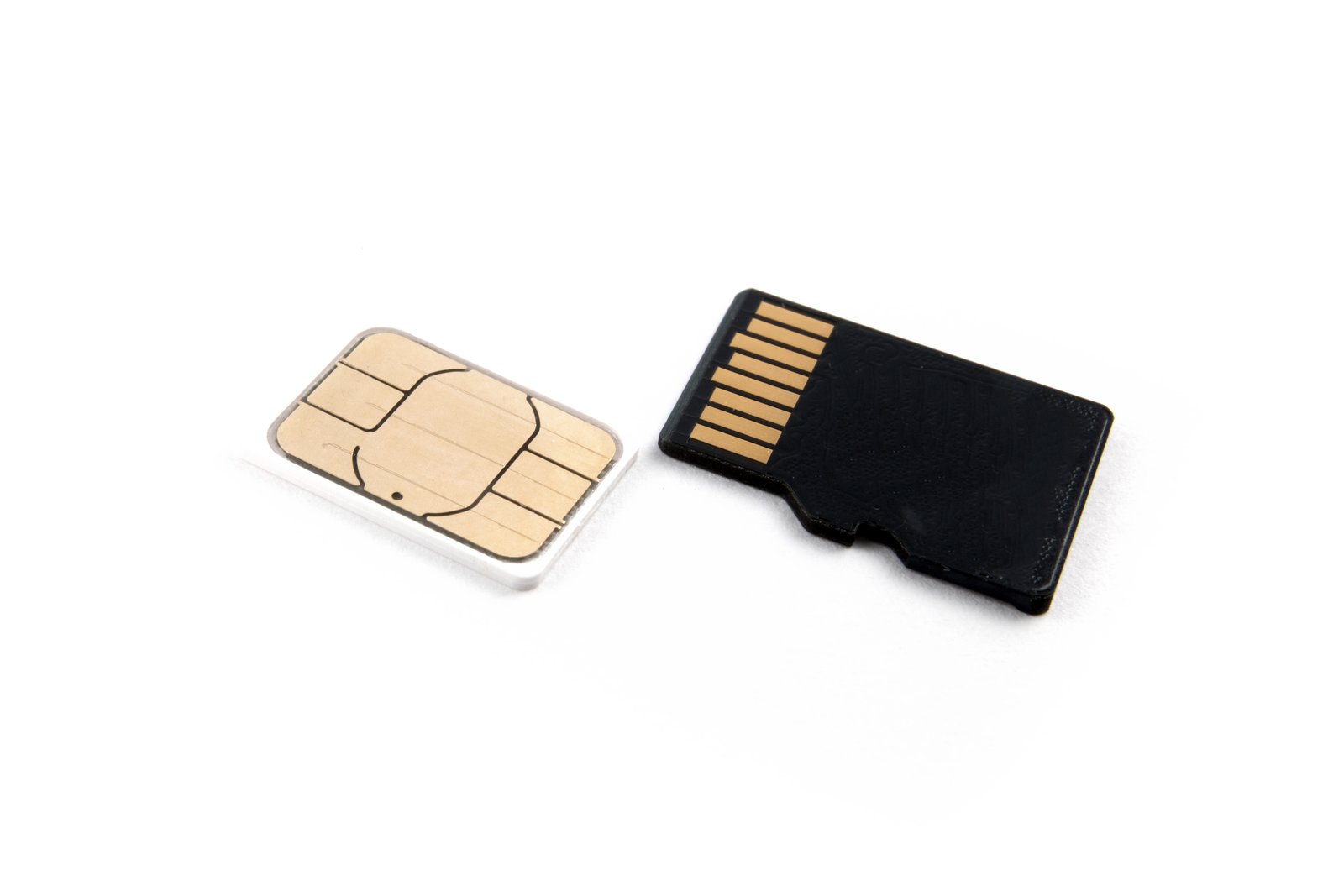
Protecting Your Creative Assets While Maximizing Your Gear
I’ve been thinking a lot lately about the hidden costs of our creative pursuits. Memory cards aren’t getting cheaper, yet we’re all shooting more footage and higher resolution files than ever before. The anxiety of wiping a card before you’re 100% certain your footage is safely backed up? That’s a real productivity killer.
A clever solution just hit my radar that addresses one of the most nerve-wracking moments in any creator’s workflow: that moment when you need to reuse a memory card but desperately want to confirm your files are actually safe.
Meeting the Real Problem Head-On
Here’s the scenario I’ve experienced countless times—and I bet you have too. You finish a shoot, import your files into your NAS or cloud storage, and you’re pretty sure everything transferred correctly. But is it really safe to format that card? You pause. You double-check your hard drive. You verify the file sizes match. Minutes tick by while you manually confirm what should be a simple, confident action.
Enter Stow, a new application designed to take the guesswork out of memory card management. Rather than relying on your nervous system (or multiple file verification passes), this app actually confirms when your footage has been properly backed up before giving you the green light to wipe.
Why This Matters for Your Entire Pipeline
I’m genuinely excited about tools that solve actual workflow friction points. This isn’t about adding another step—it’s about removing anxiety and unnecessary manual verification from your process.
For those of us managing multiple cards across longer shoots, or juggling various backup destinations, having automated confidence is genuinely valuable. It means less time troubleshooting in post-production and more time actually creating.
Integrating Into Your Existing Workflow
The beauty of purpose-built tools like this is how they complement your existing setup. Whether you’re using Capture One, Adobe Lightroom, or another ingestion workflow, a proper backup confirmation layer sits cleanly on top. No disruption, just security.
I appreciate that someone built this as a free solution. It shows the creator understands the real problem photographers and videographers face—we’re already investing heavily in cards, drives, and cloud services. An additional paid layer for basic peace of mind would feel tone-deaf.
Looking Ahead
As our files get larger and our shooting demands increase, I expect we’ll see more purpose-built tools addressing the gaps between shooting, backing up, and archiving. The creators who invest in solid workflow optimization now will find themselves more productive and far less stressed down the line.
If memory card anxiety is eating into your creative time, this one’s worth investigating.
Comments (3)
Bookmarked. Coming back to this one for sure.
This is the kind of content that keeps me coming back.
Well explained. I think my audience would really benefit from this — mind if I link to it?
Leave a Comment