
Fire up your Art using Photoshop Special Effects Tools
- Add Hollywood effects
- Use tools that fuel your creativity
- Unleash magic and mystery in seconds
What’s the difference between mind- blowing effects and fake filters?
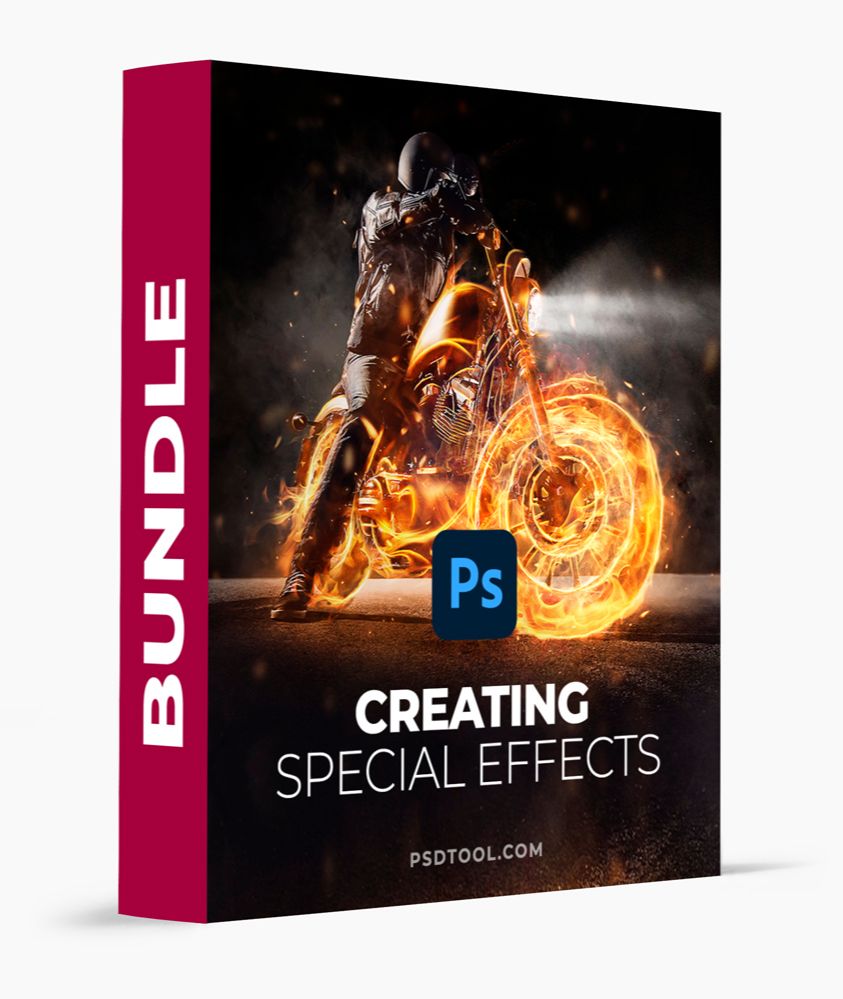
We’ve all seen images with obvious and fake elements. That probably deterred you from using special effects.
Yet some of the most impressive art uses great special effects correctly: telling a story that would otherwise be impossible.
Adding flames, embers, smoke, aurora, or a mesmerizing moon, transforms your artwork from mundane to extraordinary.
Finally, realistic special effects. Click. Click. Boom.
Hundreds of meticulously photographed effects in one bundle.

$27 $580
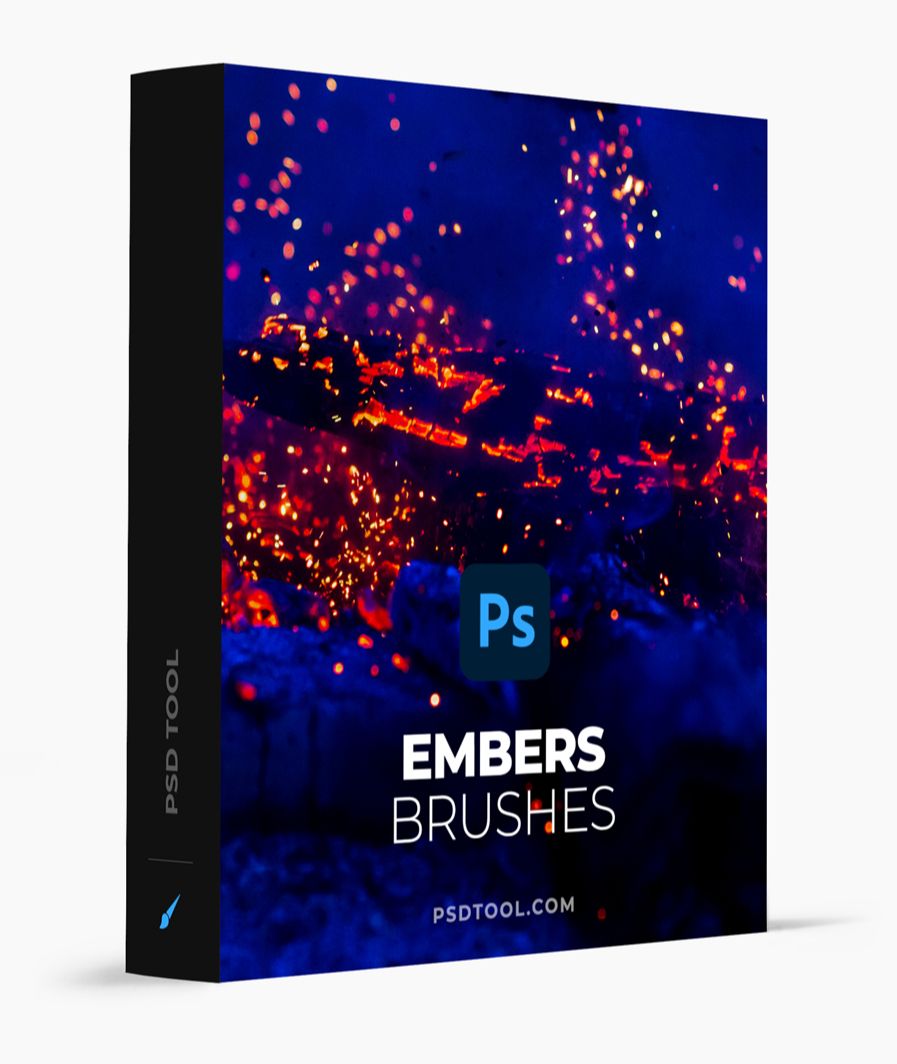
Embers
75 PHOTOSHOP BRUSHES
$79 included
Create an overpowering message with this selection of 75 ember tools. These are powerful tools for adding intrigue to the foreground or background of your image.
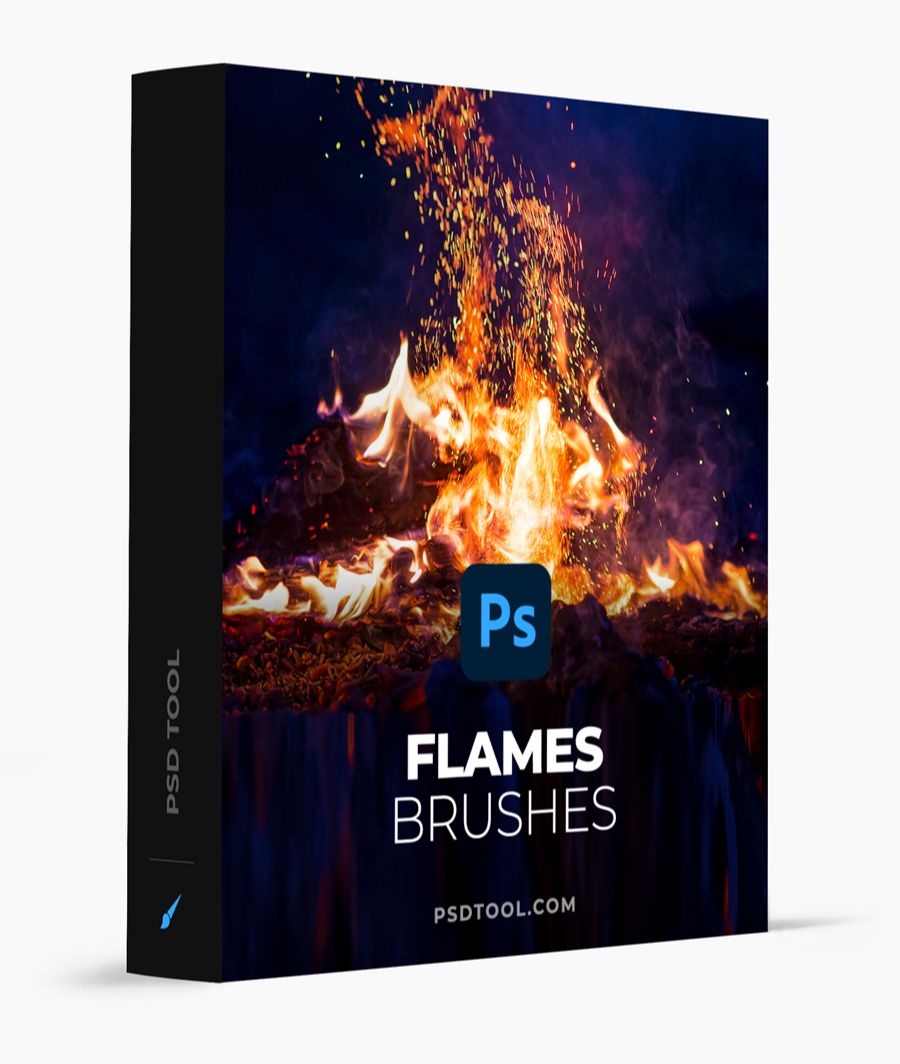
Flames
83 PHOTOSHOP BRUSHES
$79 included
Add drama to your composition with our unique collection of 83 flame brushes. You’ll be able to easily create flames where they didn’t exist or improve a poor capture!
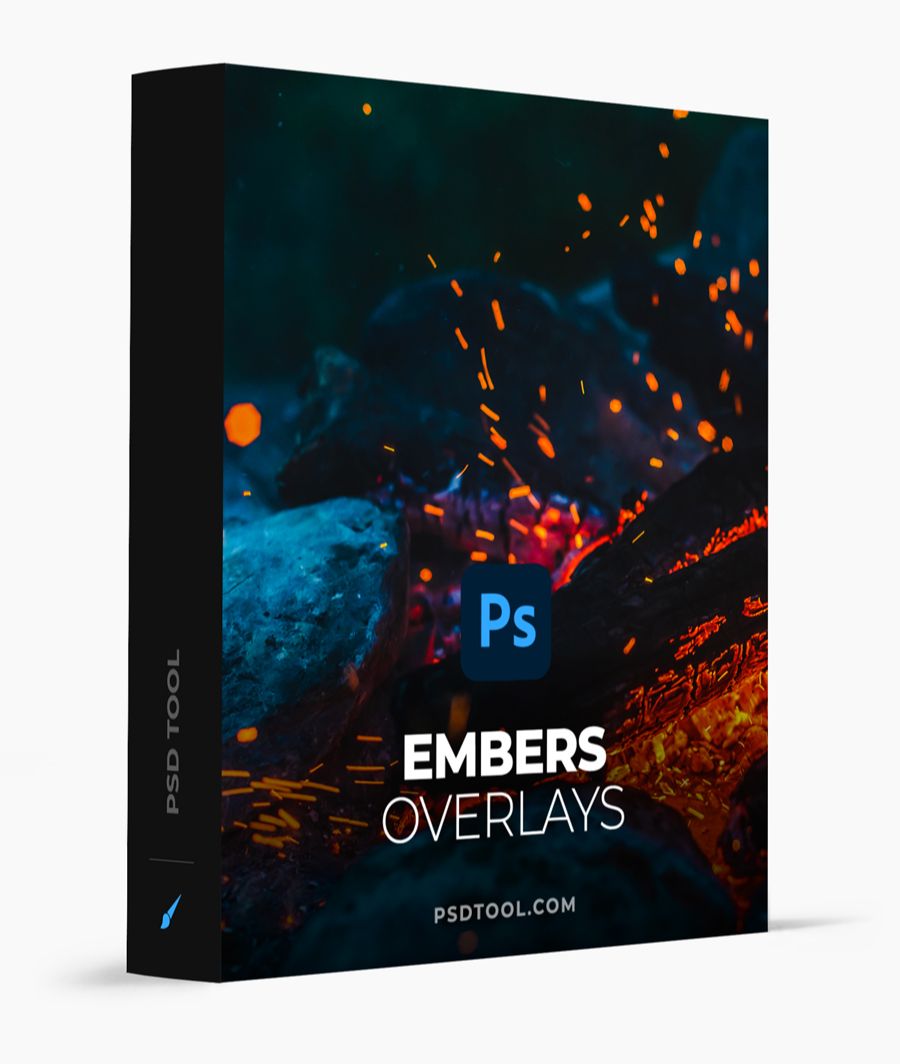
Embers Overlays
75 HIGH-RESOLUTION OVERLAYS
$79 included
Simply drag and drop one of these 75 high-quality overlays over your image to create dramatic foreground elements in seconds.
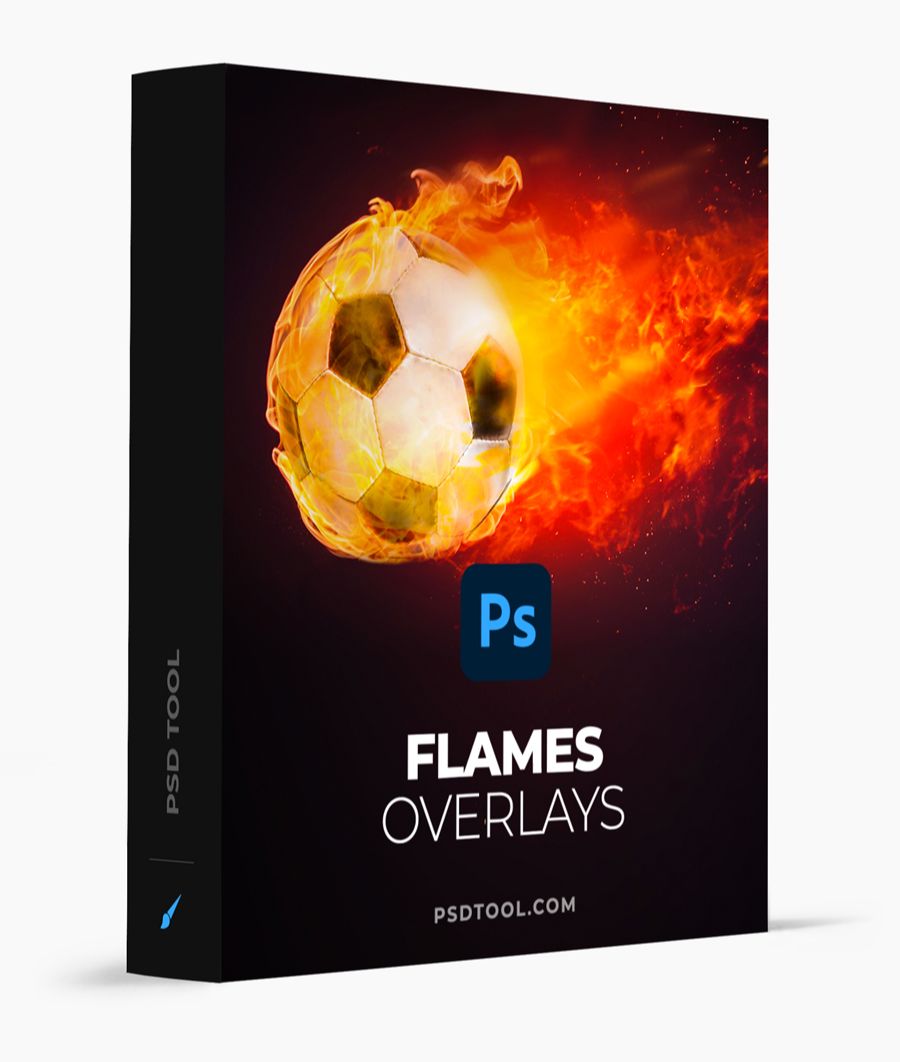
Flames Overlays
83 HIGH-RESOLUTION OVERLAYS
$79 included
Using one of our 83 flames overlays, you’ll be able to create a fiery scene in just a few clicks. Transport your subjects to magical places!
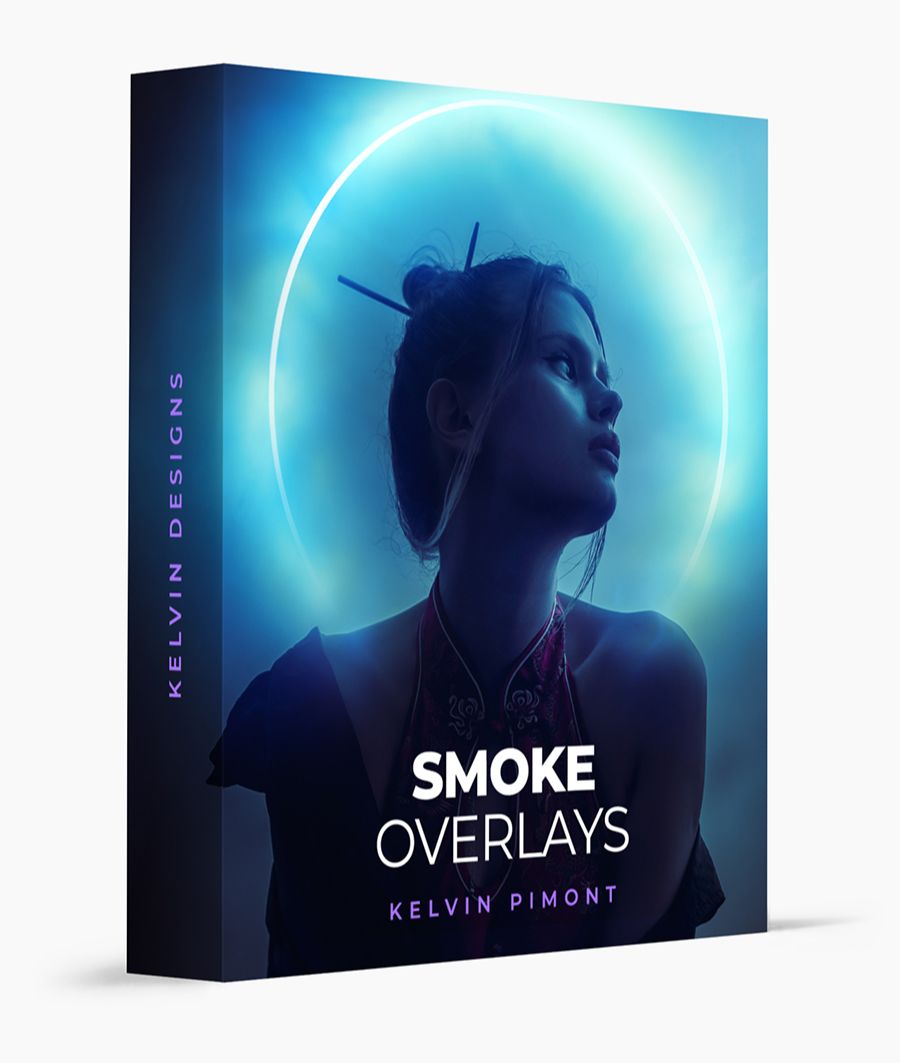
Smoke Overlays
64 HIGH-RESOLUTION OVERLAYS
$79 included
Overlaying smoke to your image can add new emotions to your art. Cover your entire image in dramatic lifelike smoke, or improve a dull element in just a few clicks using our 64 smoke overlays.
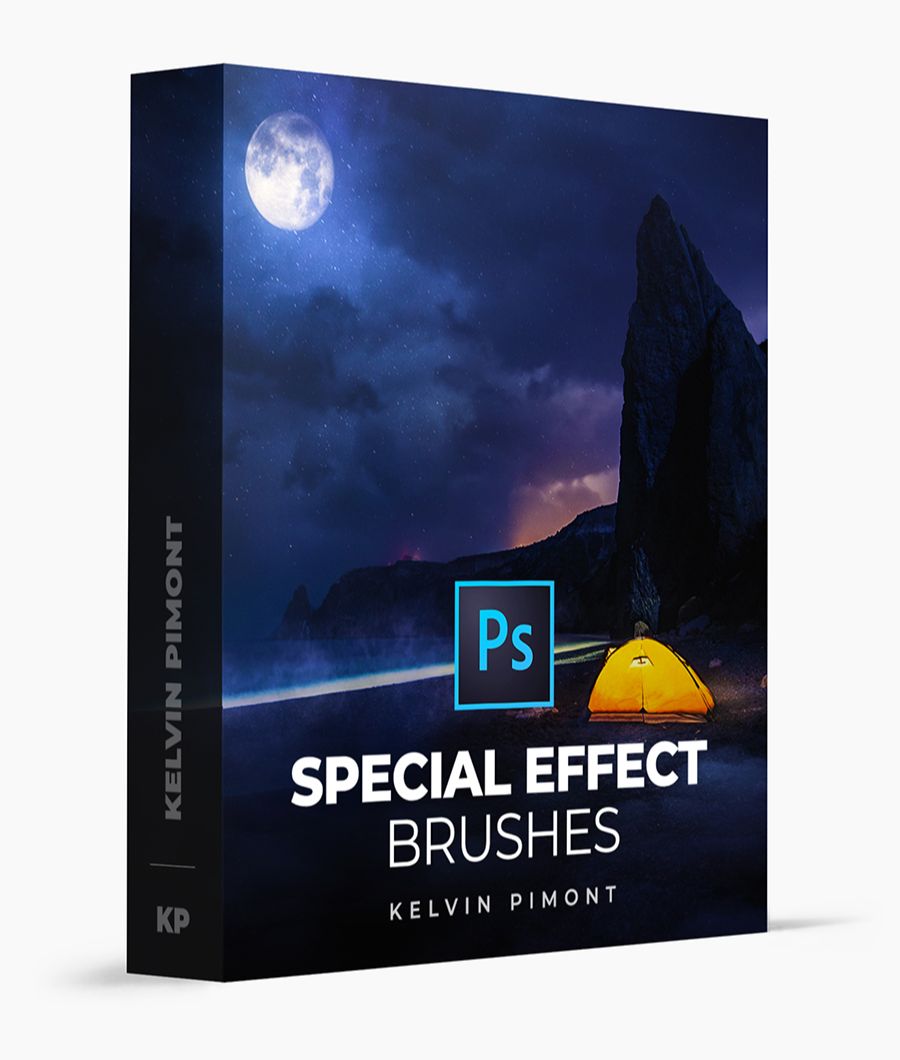
Special Effects
44 PHOTOSHOP BRUSHES
$79 included
Add the beauty of the northern lights and the moon, the drama of fog and haze, as well as atmospheric light flares with one click. With the 44 brushes in this pack, you’ll be able to create images you only dreamed of before!
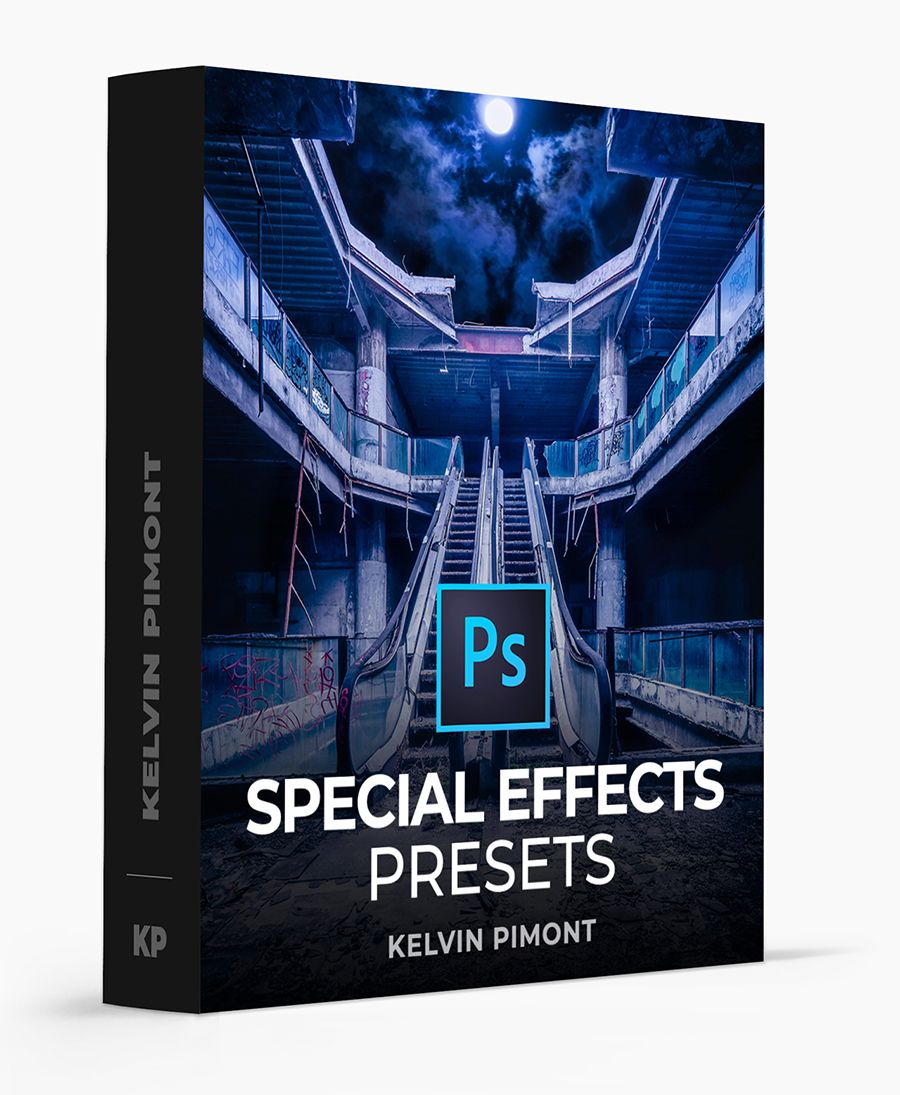
Special Effects Presets
38 PHOTOSHOP PRESETS
$79 included
If you are trying to make a big bold statement with your images these presets are for you. With one click, produce dramatic black & whites, turn day to night, create stunning HDR scenes, apply urban grunge, and much more.
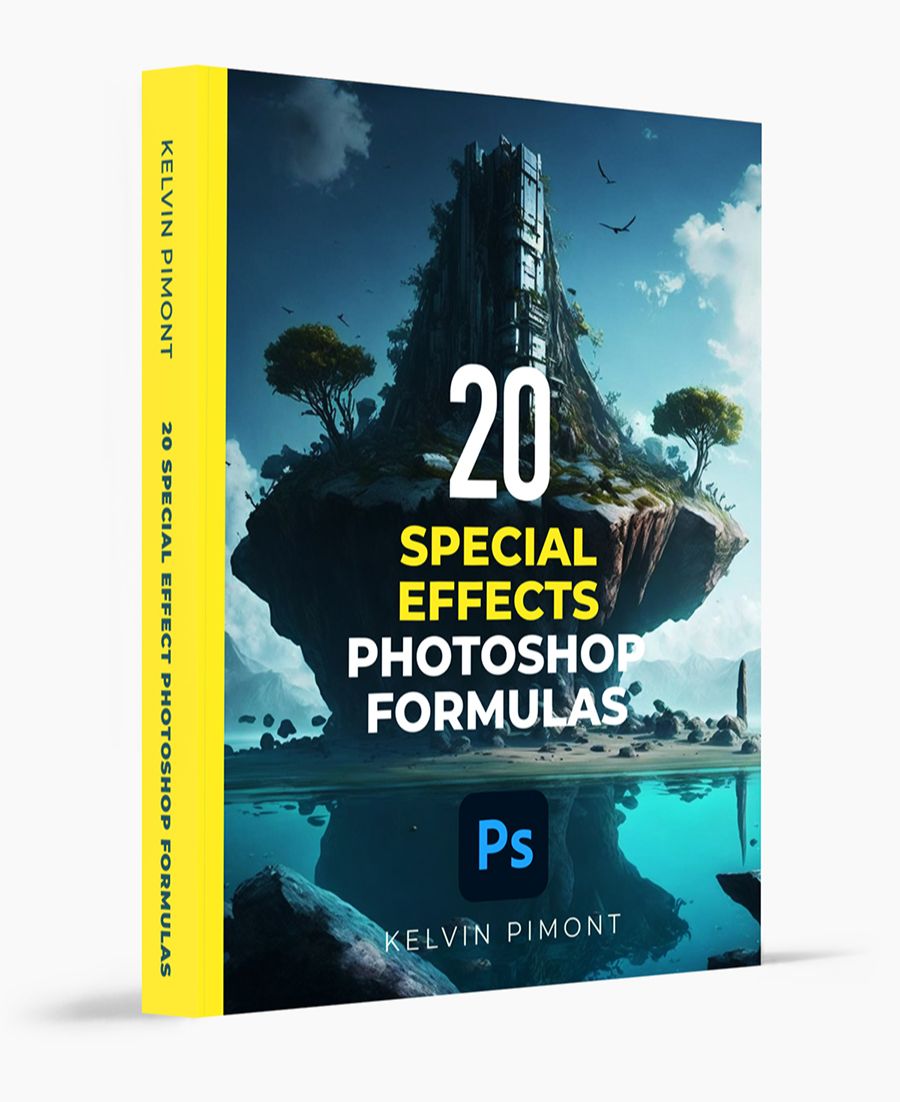
20 Special Effects Photoshop Formulas
E-BOOK
$79 included
Discover the 20 easy-to-learn techniques to help you create amazing special effects in Photoshop.
Create masterful composites in a matter of clicks!
(Yes, really!)
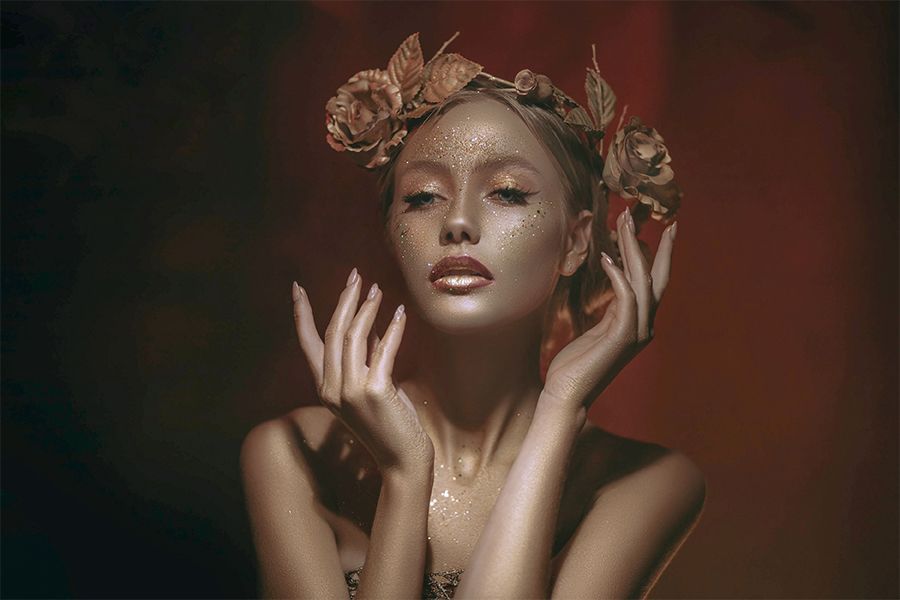
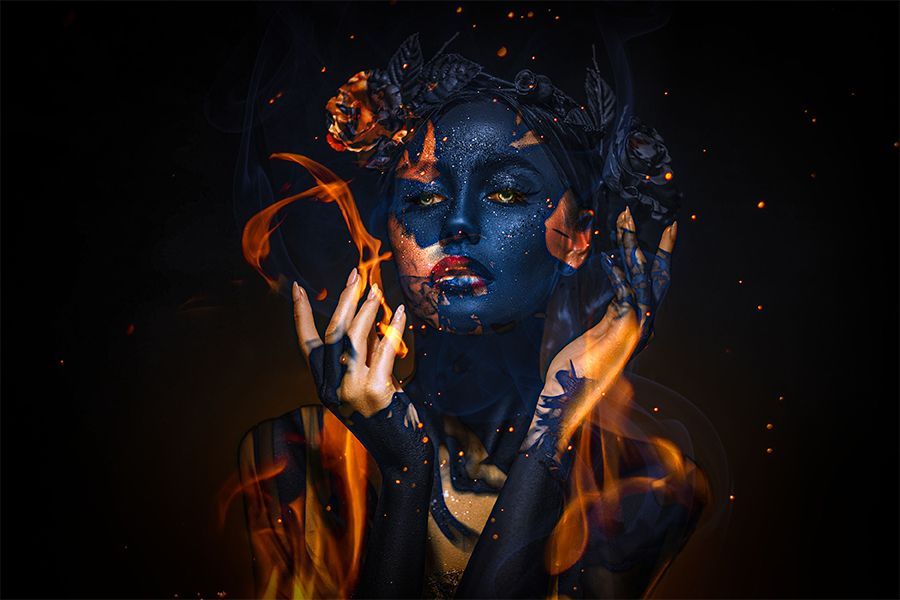
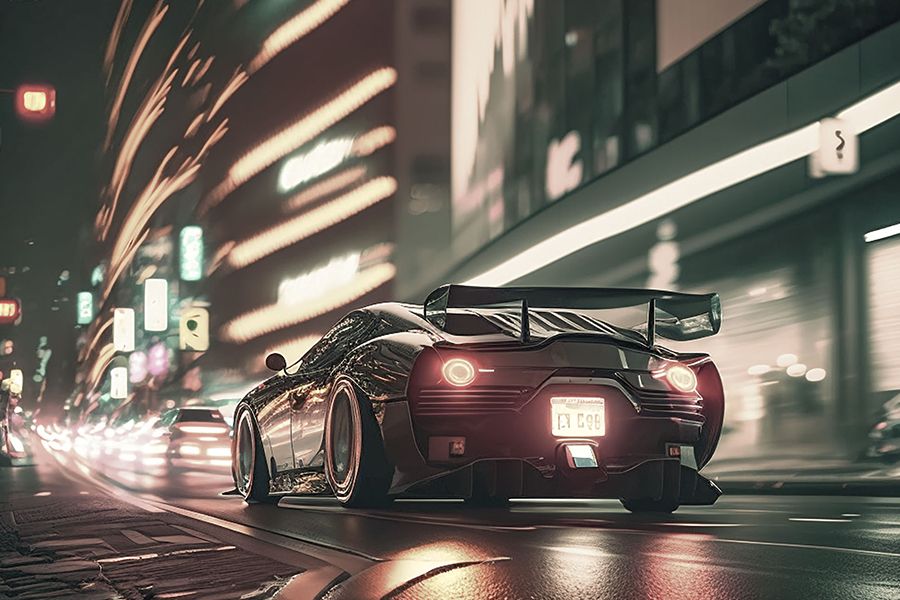



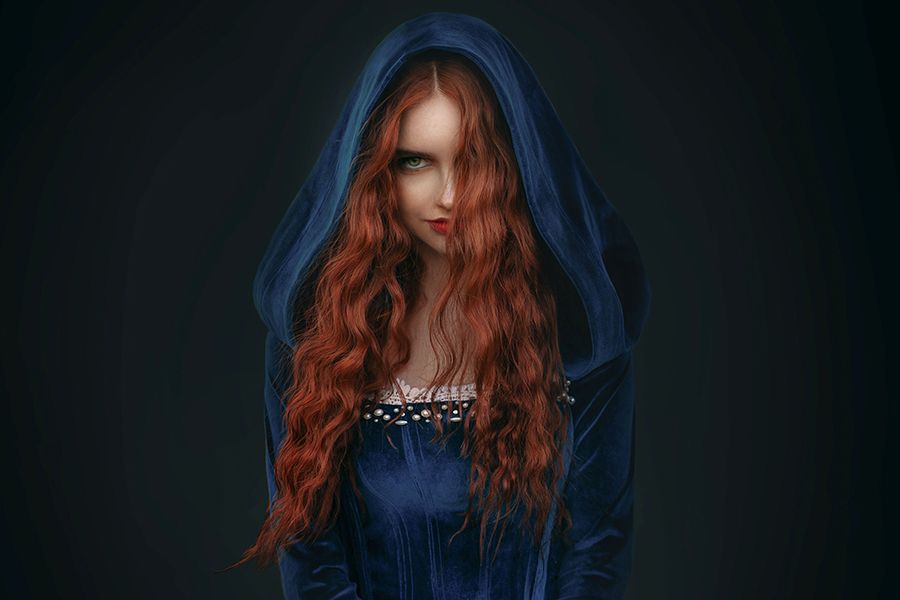
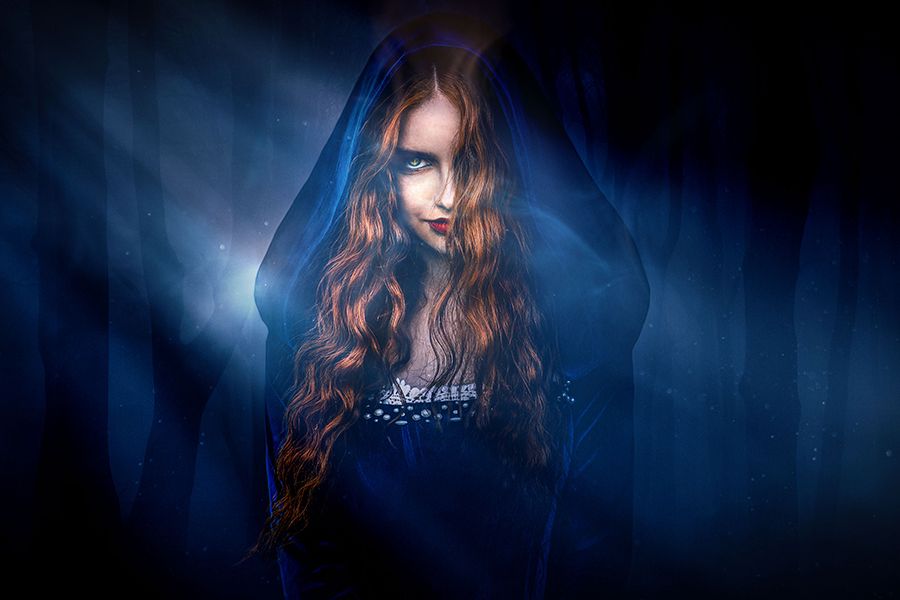
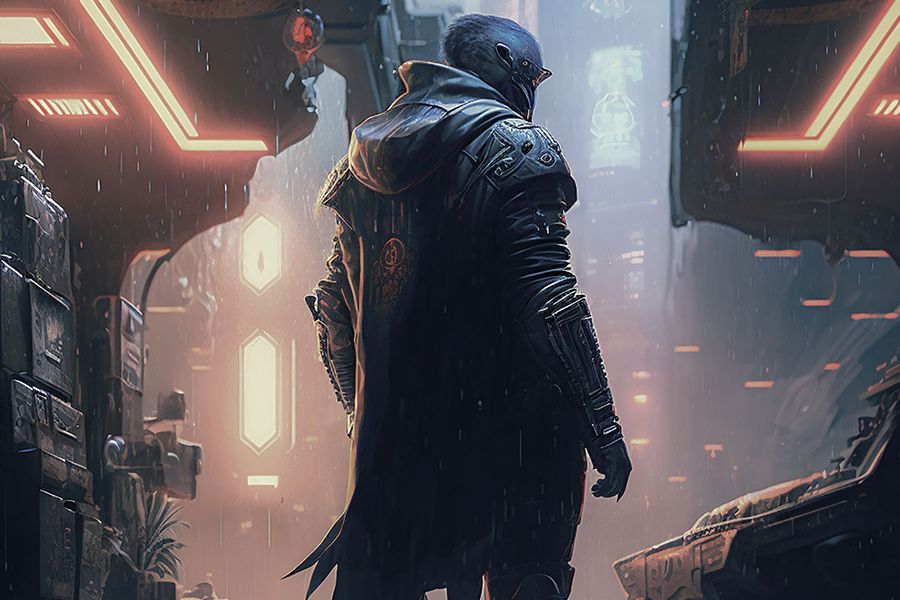
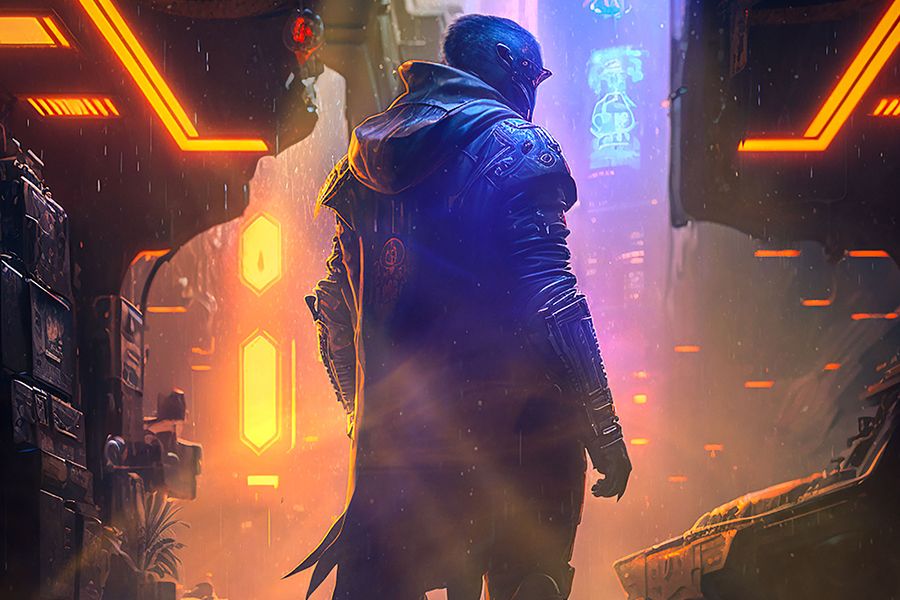
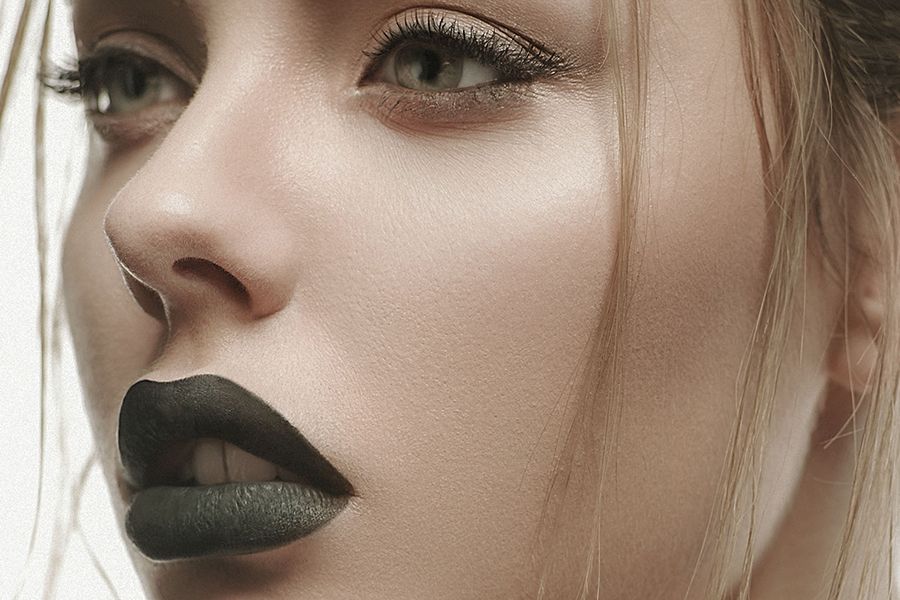
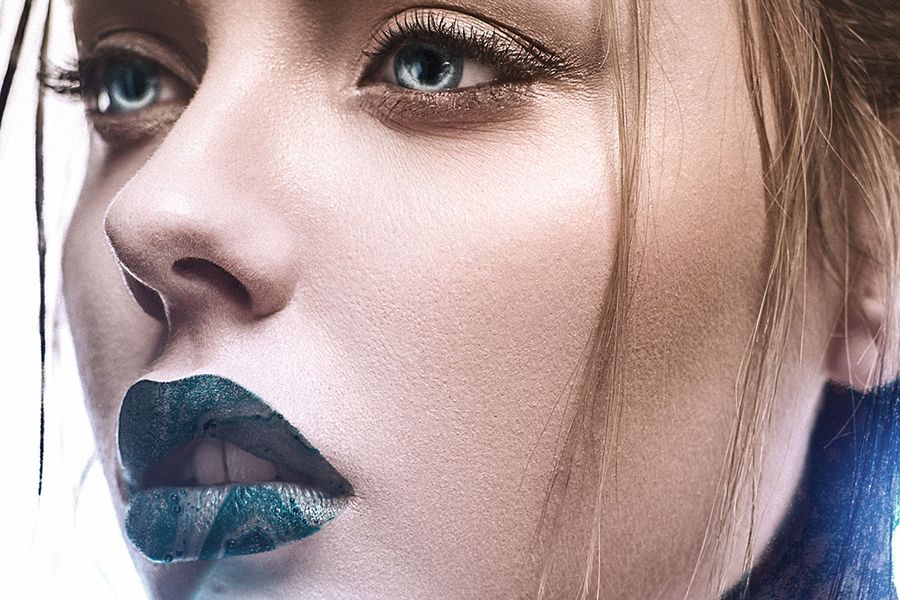
Imagine you could....
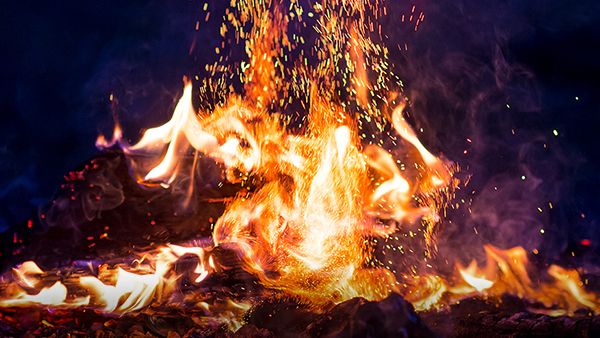
Add real-life smoke and fire in seconds.

Get inspired by hundreds of effects.
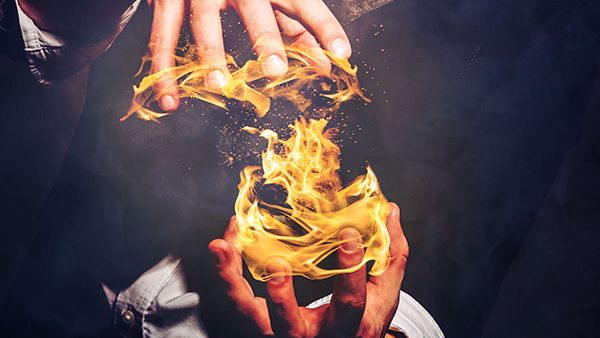
Bring your impossible ideas to life.
Never experience this again:
- Creating fake or boring effects
- Wasting hours being uninspired
- Not enjoying the creative process
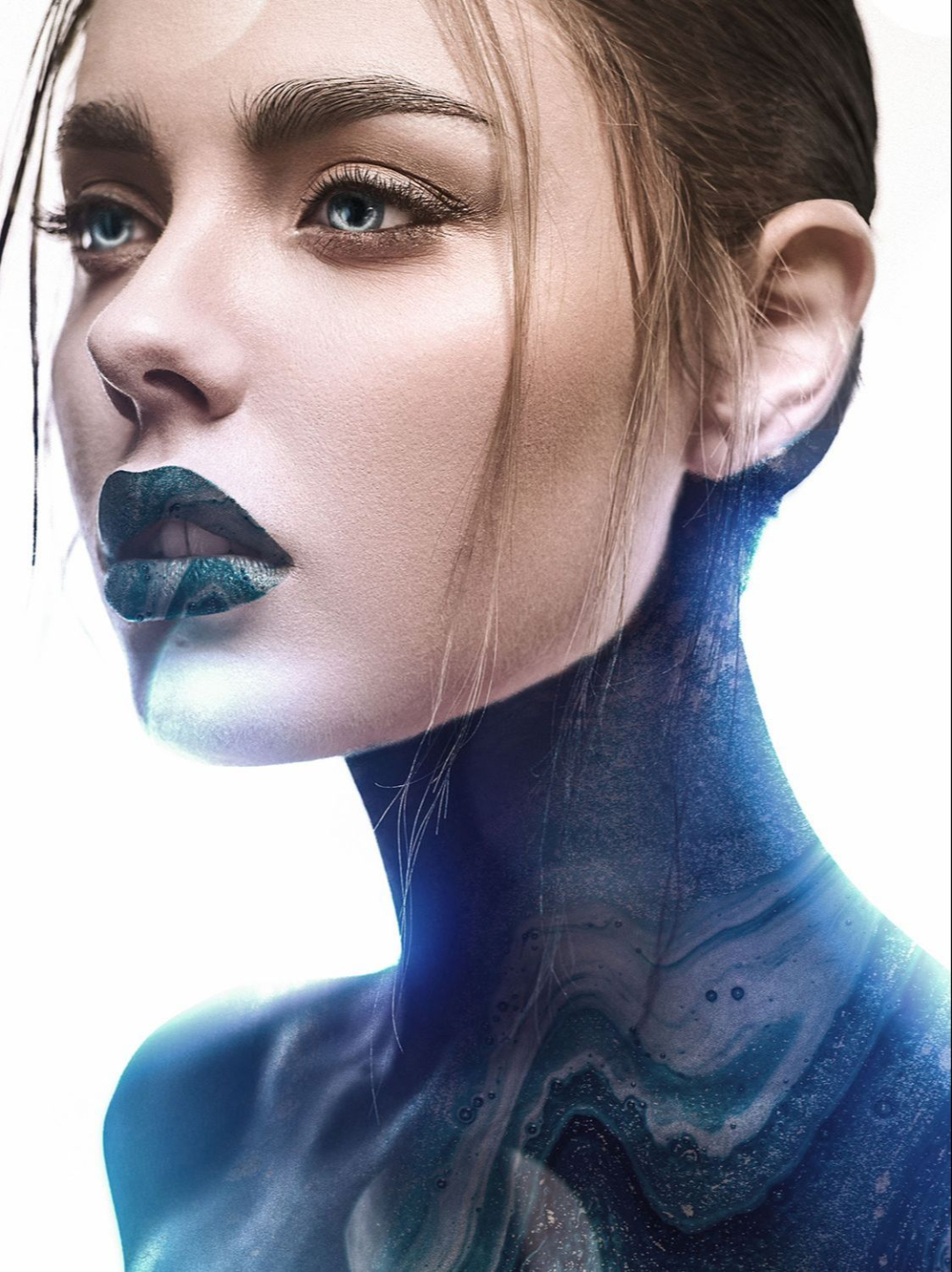
Hear what our customers say about the Special Effects Bundle.
"I was getting frustrated with the time it took me to create an effect on Photoshop that I almost gave it up. I would spend hours watching tutorials and trying to copy what they were doing, only to get very poor results."
- PS
"The learning curve is so great sometimes, it is nice to have something you can use immediately so you don’t have to stop creating."
- GP
"A turnkey solution for creating crazy amazing and fun art in literally seconds!."
- MG
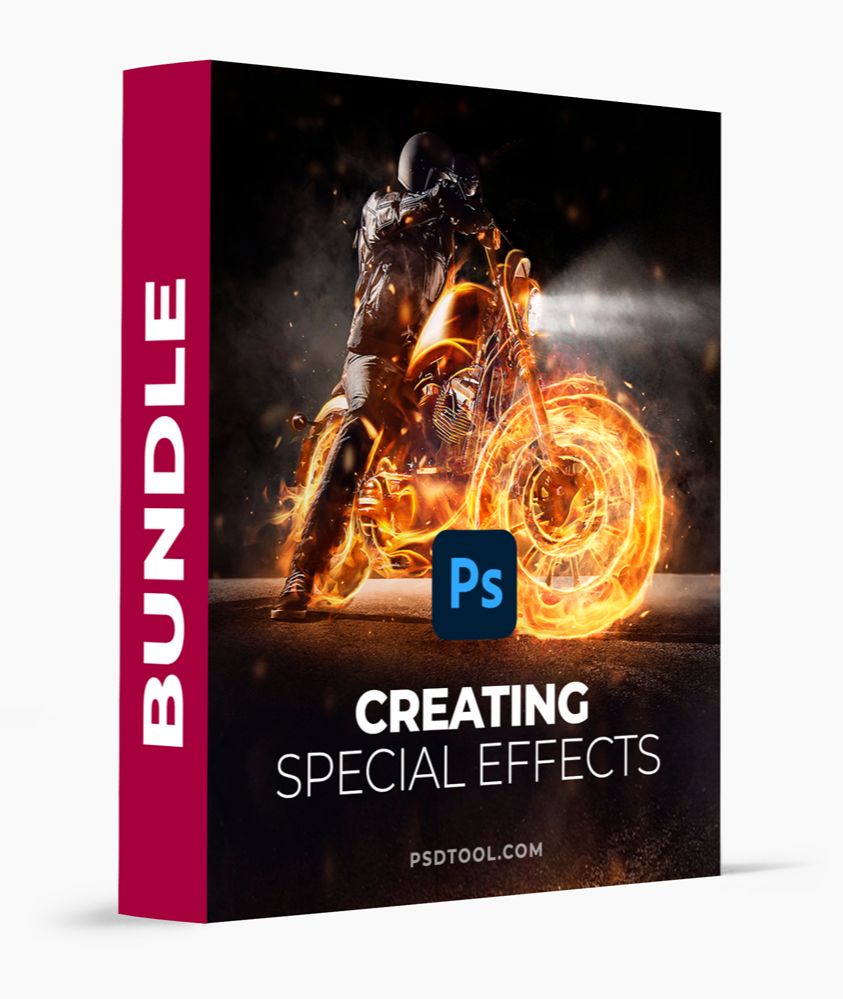
Creating Special Effects in Photoshop
$27 $580
Creating special effects has never been easier. The question is, are you ready to start creating incredible images (in less time than ever before?)
Buy Now